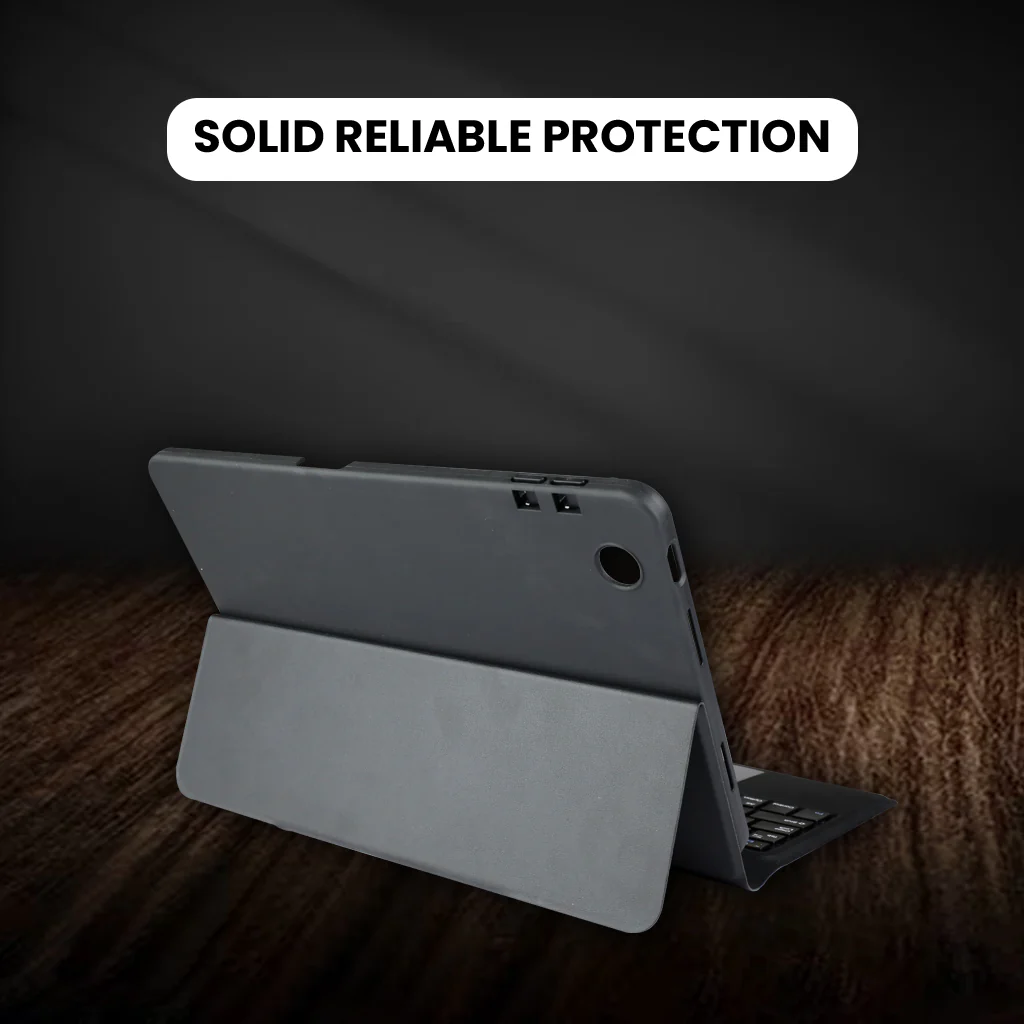
OP103 Keyboard Case for OPPO Pad Air 10.36 inch 2022
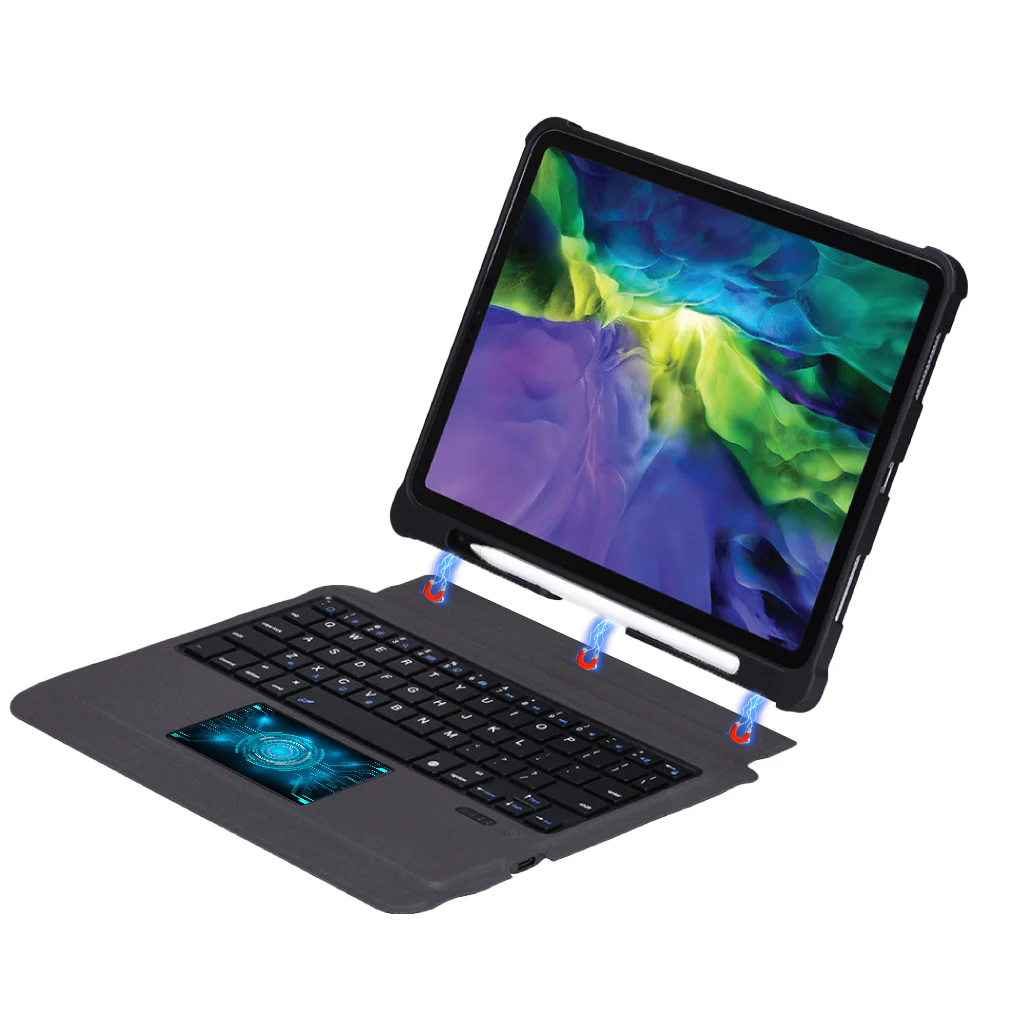
DESIGNED FOR: This keyboard case is compatible with OPPO Pad Air 10.36” 2022. Not compatible with any other devices.
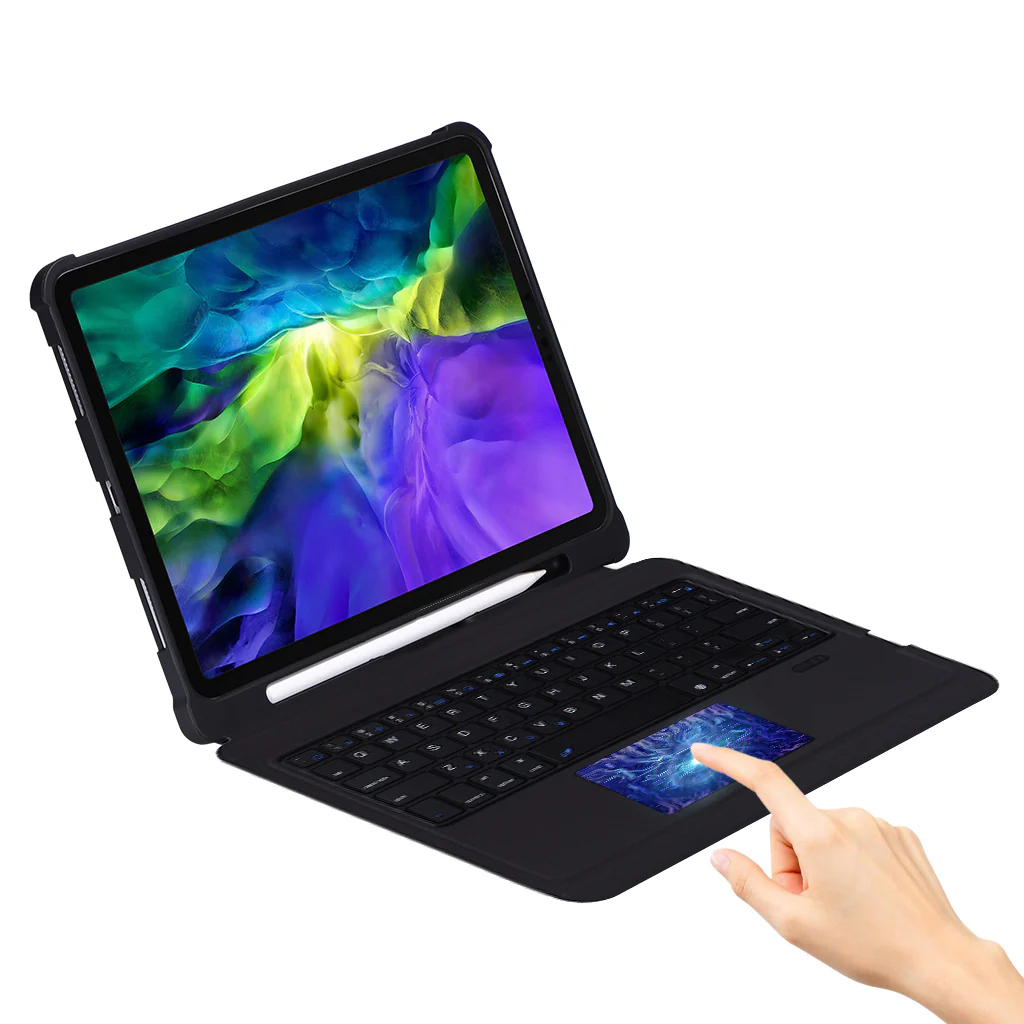
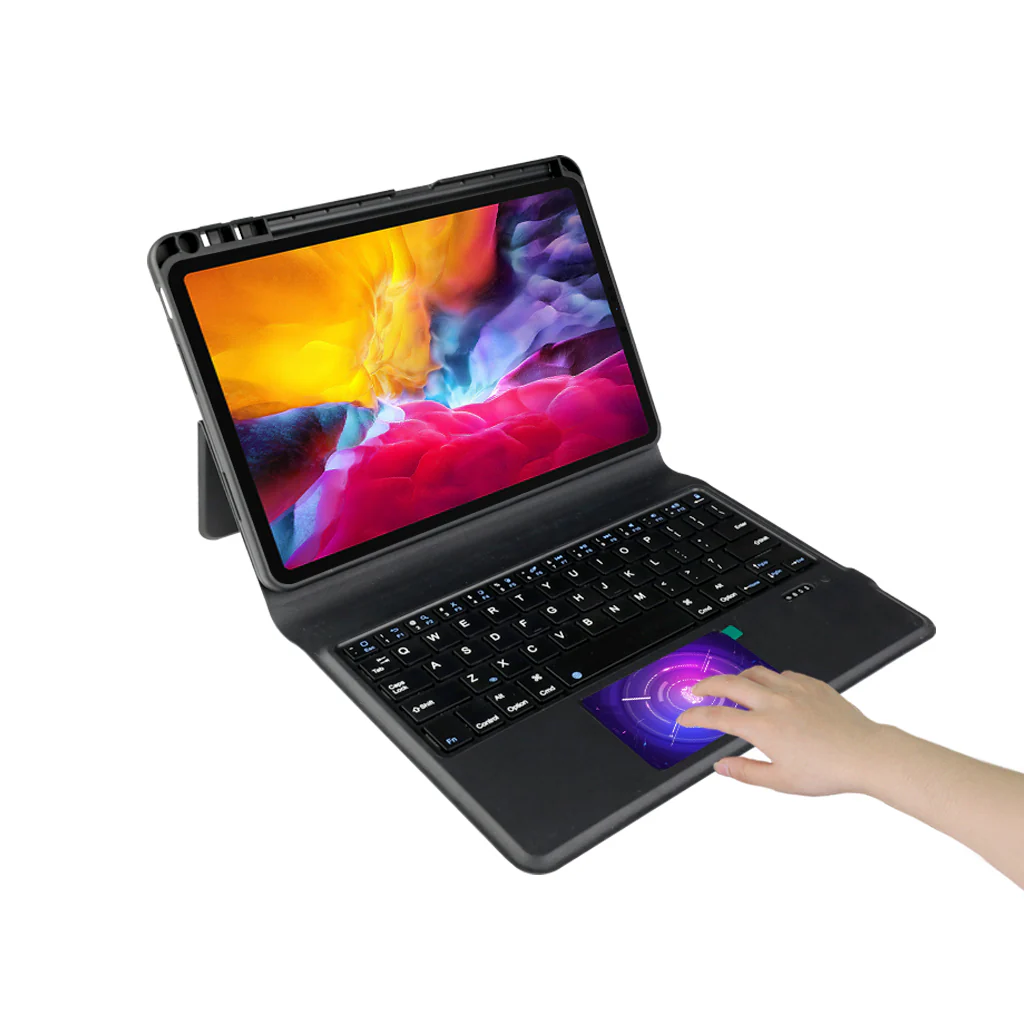
SMART MULTI-GESTURE TRACKPAD: The Keyboard Case for OPPO Pad Air comes with a smart touchpad that lets you easily move around and do things on your keyboard case by using multiple fingers. You can scroll, swipe, and do different actions right on the touchpad, so you don't need to use a separate mouse. Whether you're browsing, typing, or editing, the keyboard case enhances your iPad experience with the convenience and portability of a modern laptop.
SEAMLESS BLUETOOTH CONNECTIVITY: You can easily connect your pad to Keyboard Case for OPPO Pad Air and start typing wirelessly with its Bluetooth connectivity. Say goodbye to tangled cables and enjoy the freedom of wireless connectivity, allowing you to work and type with convenience and flexibility. The keyboard case's reliable 10m stable Bluetooth connection ensures a smooth and uninterrupted typing experience, enhancing your productivity on the go.
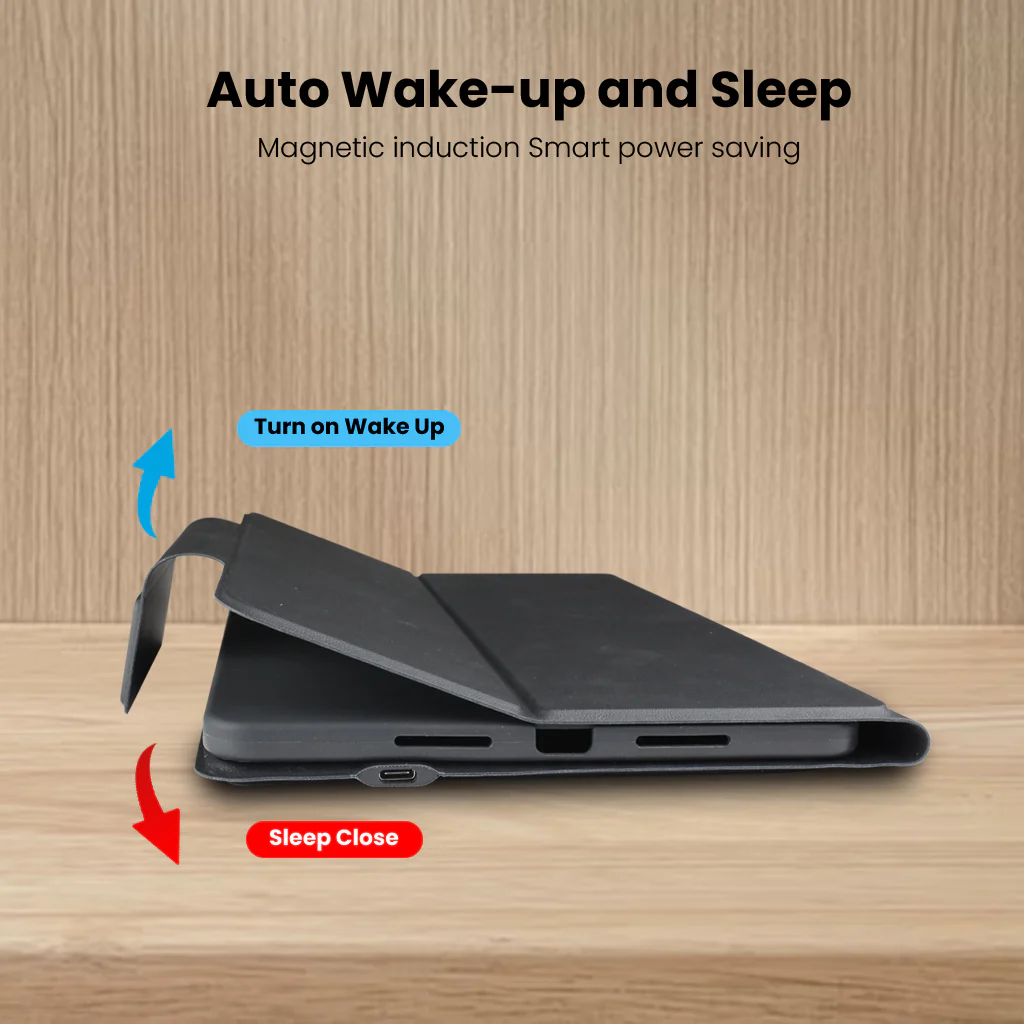
SMART WAKE/SLEEP FUNCTION: The Keyboard Case for OPPO Pad Air manages power consumption with the smart wake/sleep feature, utilizing intelligent technology to reduce energy usage. This innovative feature ensures that your device enters a power-saving sleep mode when not in use, effectively conserving energy and extending battery life. Please charge it when the Power indicator flashes Red.
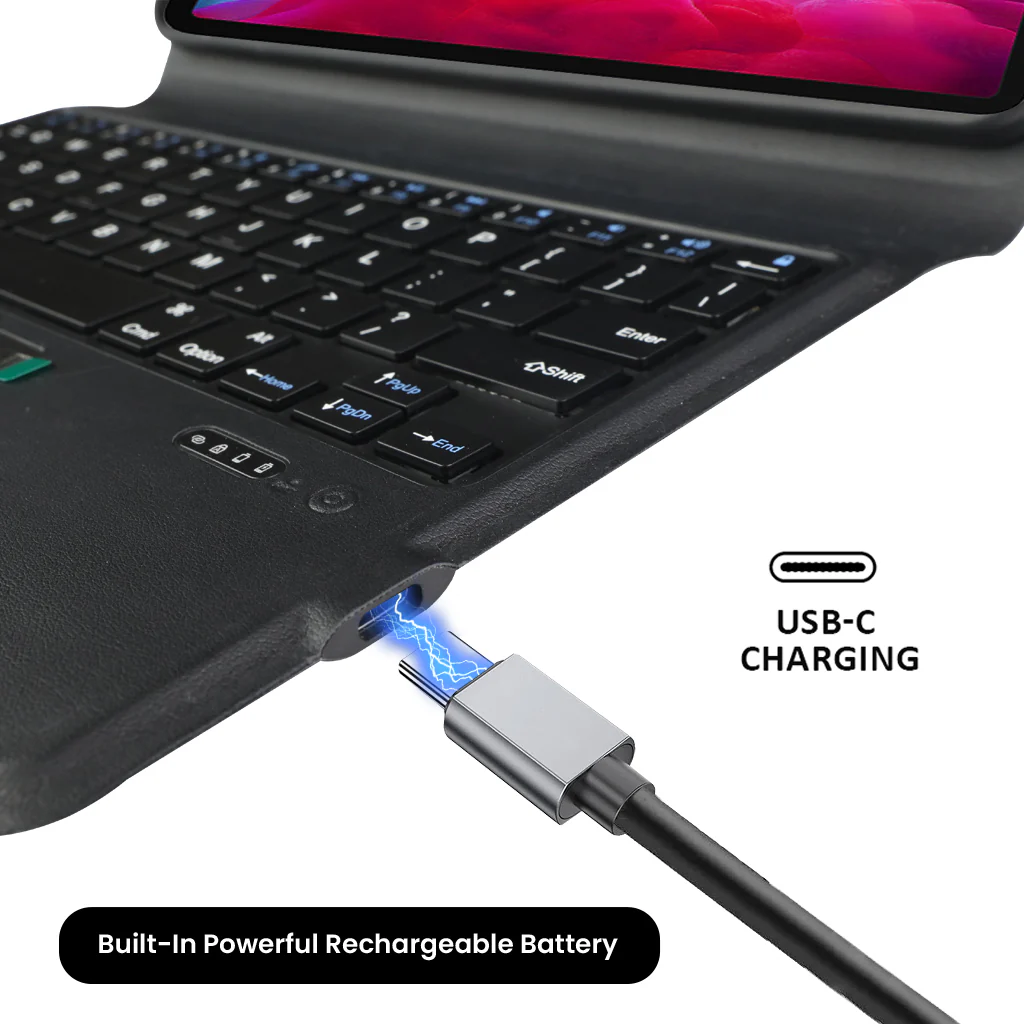
TYPE C CHARGING PORT: You can easily charge your keyboard with Type C corded cable which is included in the package and you can use the keyboard for a long time after one charge.
DISCLAIMER: Kindly use the keyboard with a 5V/1 Amp power adapter only. It will improve the life span of your gear and its batteries.
How to Connect
- Step 1: Long pressing to turn on button
- Step 2: Press Fn + Z
- Step 3: Turn on the Bluetooth (Flashing when pairing status)
- Step 4: Select ‘Refresh’ from the settings bar. Your keyboard will show in the ‘Available Devices section.
- Step 5: Select the keyboard and press Pair or hit enter. You are now connected!
TROUBLESHOOTING STEPS:
- Make sure the power is turned on.
- Ensure keyboard operable distance.
- Make sure the battery has power.
- Ensure the device’s Bluetooth was turned on.
- Ensure the wireless keyboard was connected with the Bluetooth.
- Ensure the wireless keyboard paired successfully
Product Information
Product Information
Shipping & Returns
Shipping & Returns
Description
DESIGNED FOR: This keyboard case is compatible with OPPO Pad Air 10.36” 2022. Not compatible with any other devices.
SMART MULTI-GESTURE TRACKPAD: The Keyboard Case for OPPO Pad Air comes with a smart touchpad that lets you easily move around and do things on your keyboard case by using multiple fingers. You can scroll, swipe, and do different actions right on the touchpad, so you don't need to use a separate mouse. Whether you're browsing, typing, or editing, the keyboard case enhances your iPad experience with the convenience and portability of a modern laptop.
SEAMLESS BLUETOOTH CONNECTIVITY: You can easily connect your pad to Keyboard Case for OPPO Pad Air and start typing wirelessly with its Bluetooth connectivity. Say goodbye to tangled cables and enjoy the freedom of wireless connectivity, allowing you to work and type with convenience and flexibility. The keyboard case's reliable 10m stable Bluetooth connection ensures a smooth and uninterrupted typing experience, enhancing your productivity on the go.
SMART WAKE/SLEEP FUNCTION: The Keyboard Case for OPPO Pad Air manages power consumption with the smart wake/sleep feature, utilizing intelligent technology to reduce energy usage. This innovative feature ensures that your device enters a power-saving sleep mode when not in use, effectively conserving energy and extending battery life. Please charge it when the Power indicator flashes Red.
TYPE C CHARGING PORT: You can easily charge your keyboard with Type C corded cable which is included in the package and you can use the keyboard for a long time after one charge.
DISCLAIMER: Kindly use the keyboard with a 5V/1 Amp power adapter only. It will improve the life span of your gear and its batteries.
How to Connect
- Step 1: Long pressing to turn on button
- Step 2: Press Fn + Z
- Step 3: Turn on the Bluetooth (Flashing when pairing status)
- Step 4: Select ‘Refresh’ from the settings bar. Your keyboard will show in the ‘Available Devices section.
- Step 5: Select the keyboard and press Pair or hit enter. You are now connected!
TROUBLESHOOTING STEPS:
- Make sure the power is turned on.
- Ensure keyboard operable distance.
- Make sure the battery has power.
- Ensure the device’s Bluetooth was turned on.
- Ensure the wireless keyboard was connected with the Bluetooth.
- Ensure the wireless keyboard paired successfully